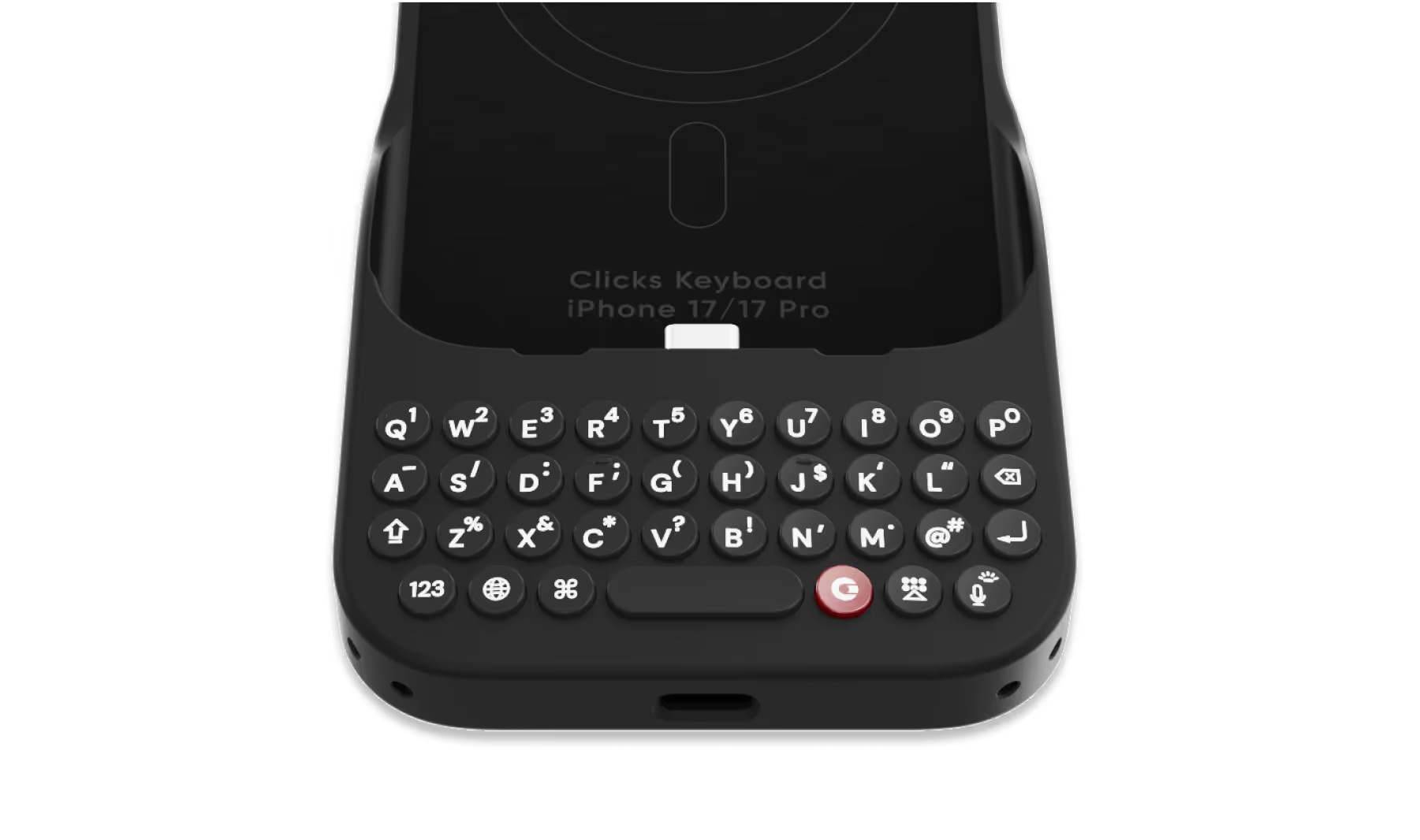
Select your iPhone 17 model.
Select iPhone model & color.
iPhone 17 Pro
$139
Price
iPhone 17 Pro Max
$139
Price
iPhone 17
$139
Price
Select your color.
Onyx
Smoke
$139
US$159
Shipping date metafield text.
Add to cart
Out of stock
Leave your email to be notified when it's back in stock.
We’ll email you when your selected model is back in stock.
Oops, something went wrong. Try again.
Fast & Free Shipping on orders $99+
No Extra Costs
30-Day Return Policy
Try Clicks Risk-Free
Over 100,000 Clicks Sold
In 100+ Countries

Highlights

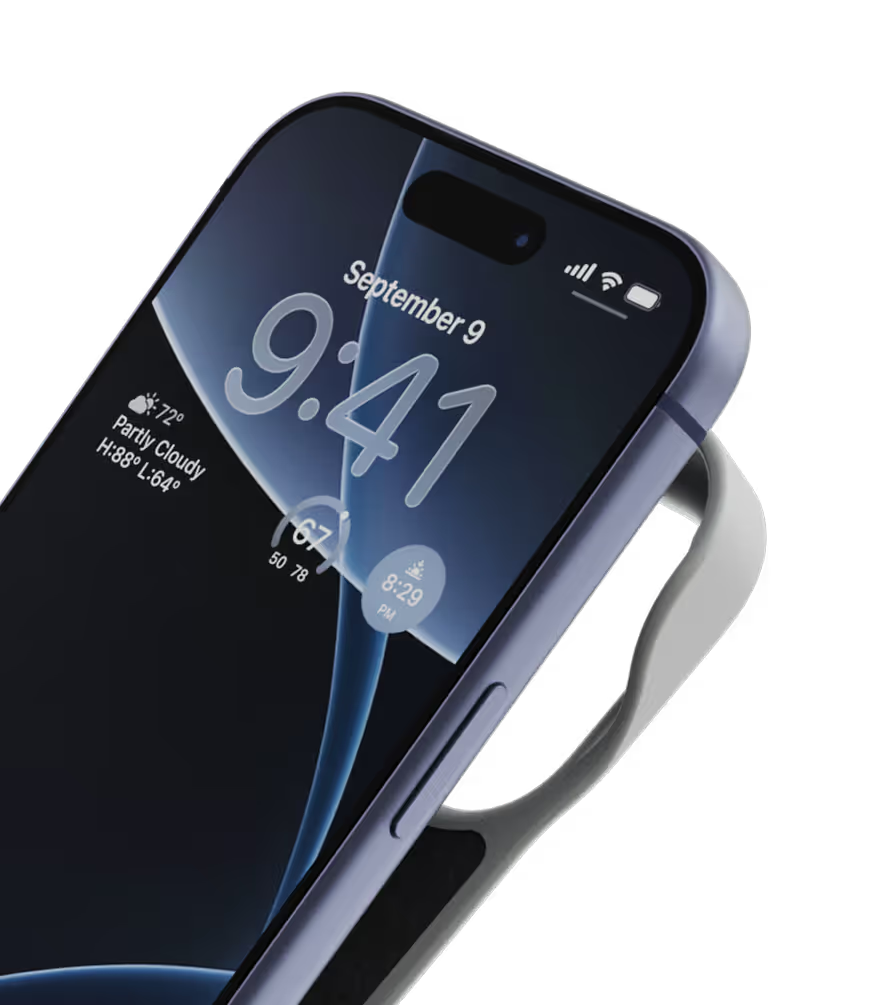
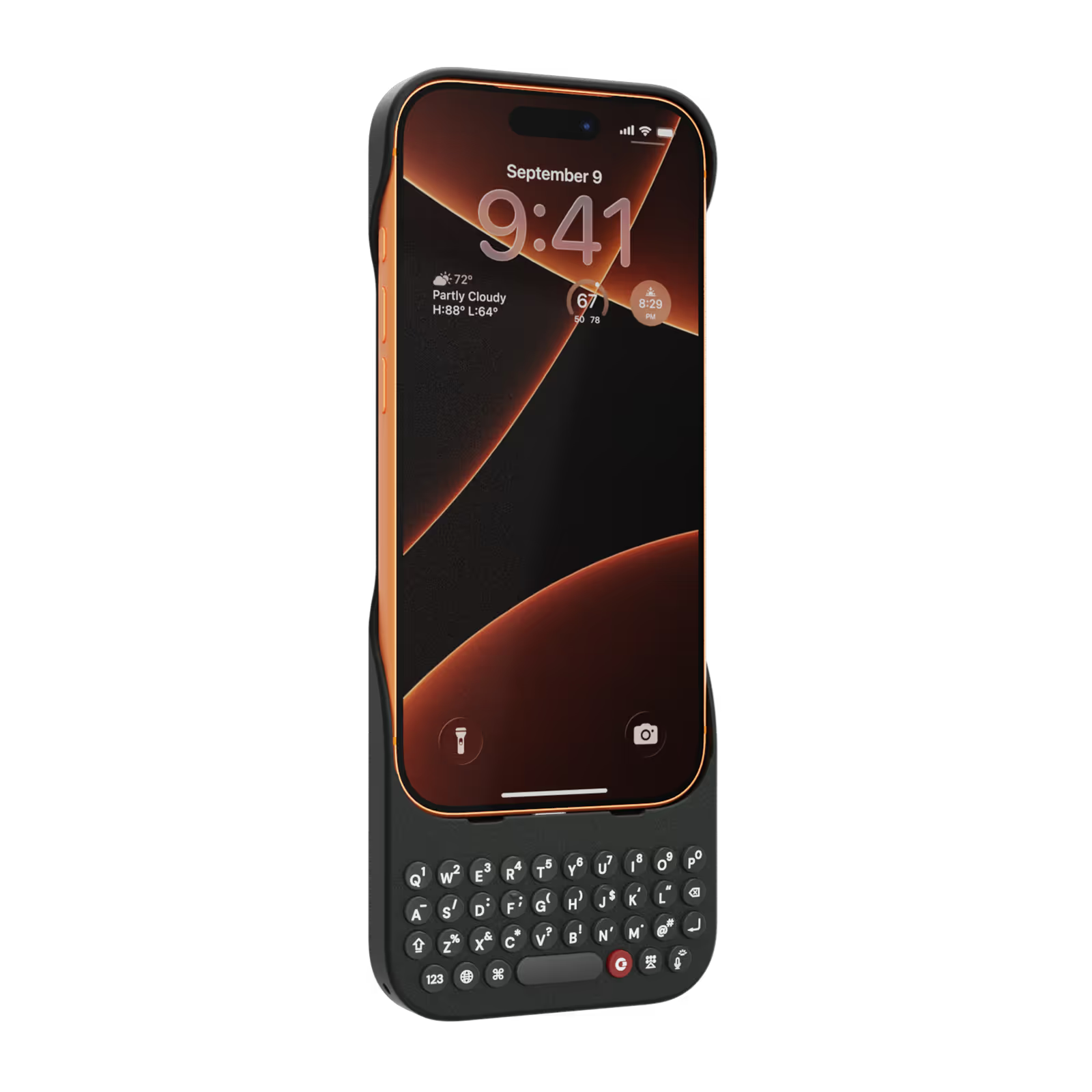
40% thinner.
11% lighter.
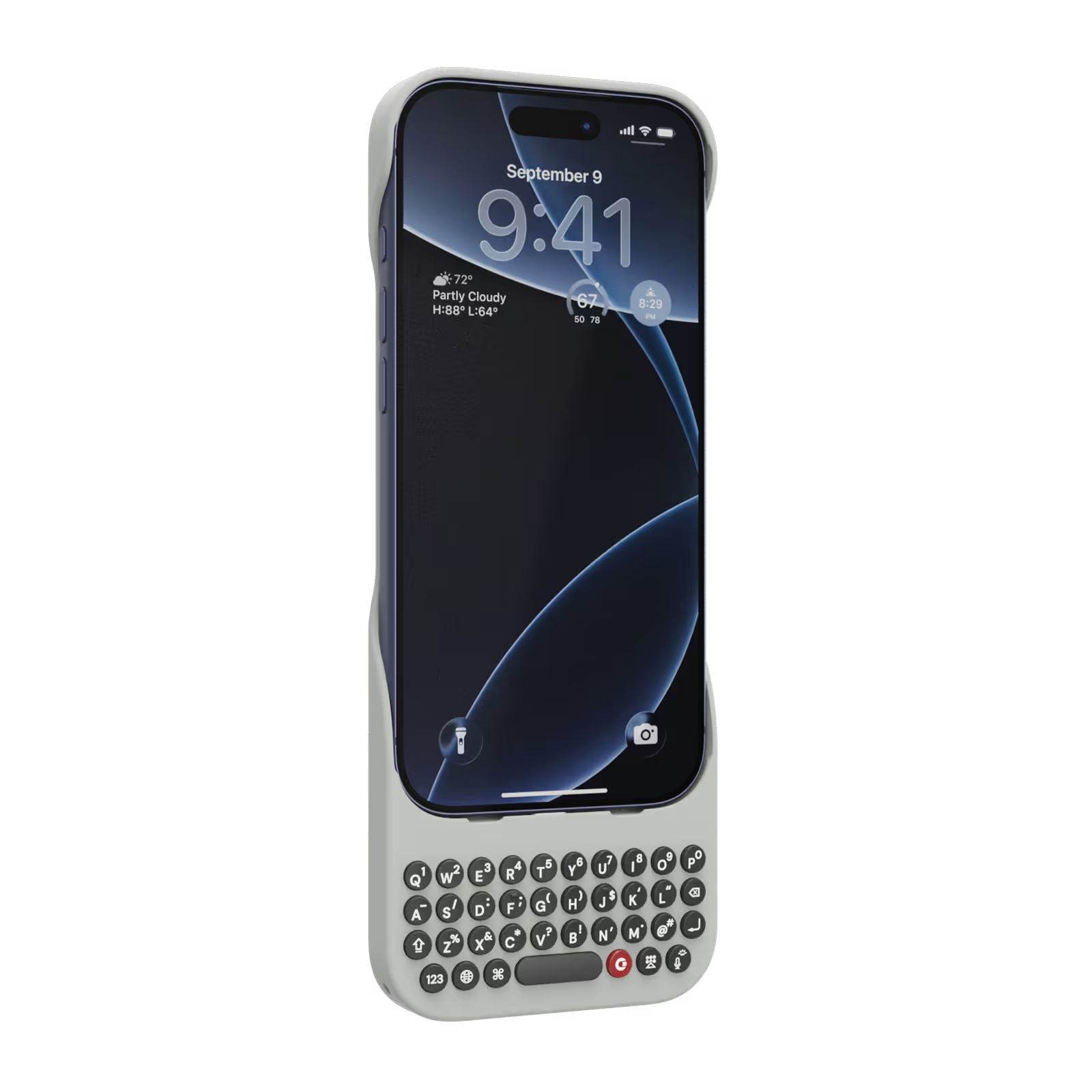
A refined design feels great in your hands and lets your iPhone’s personality shine.
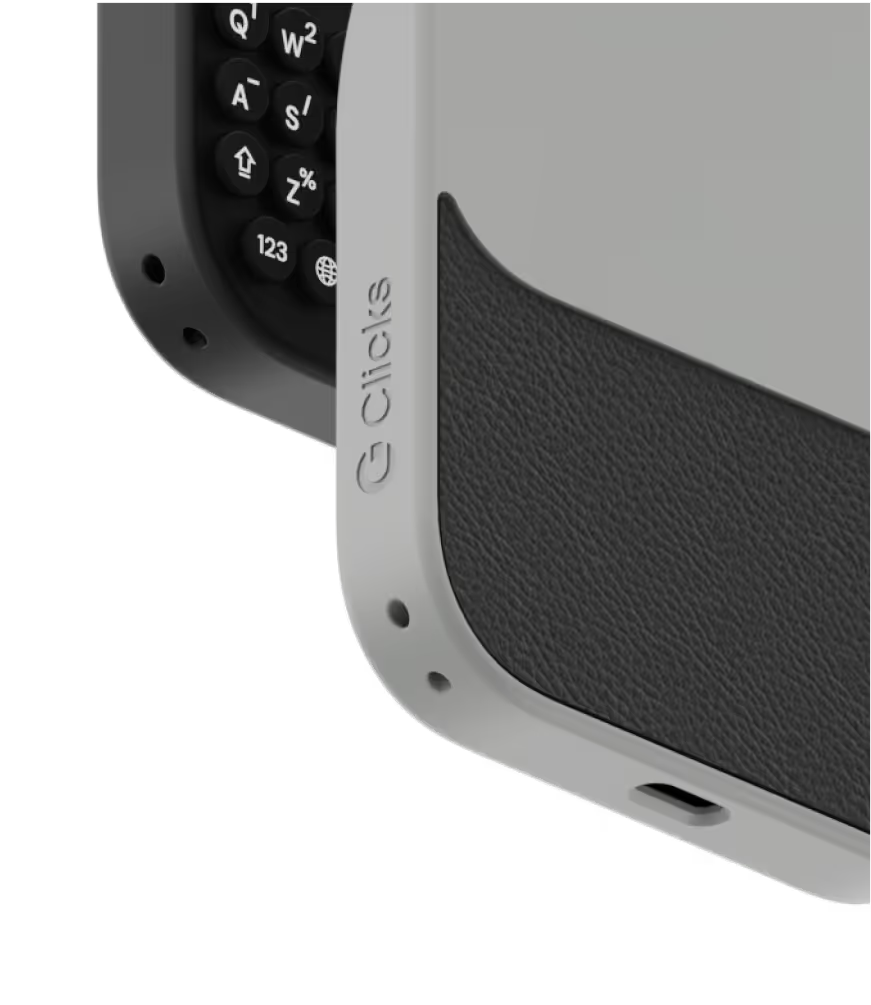
Snap-in
design.
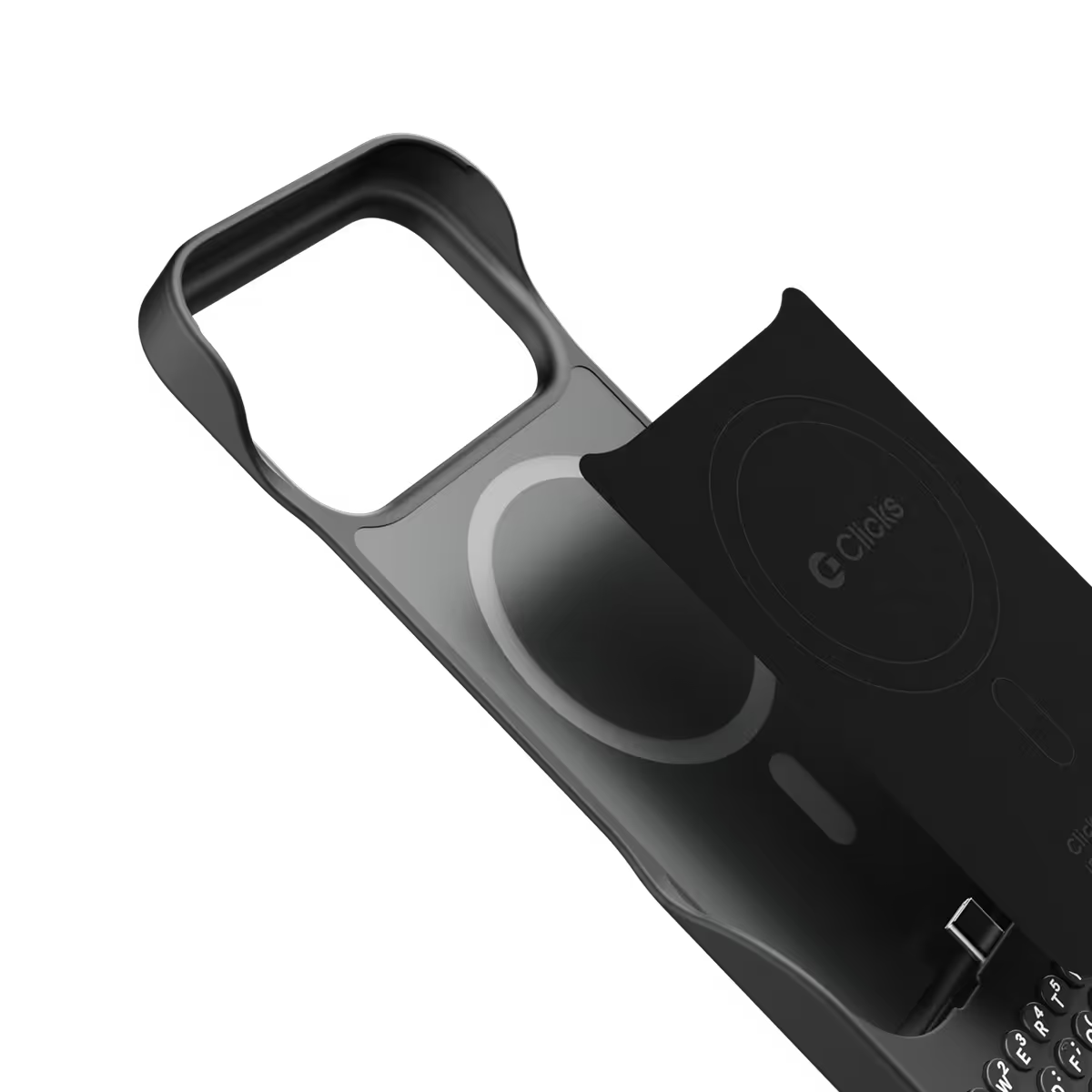
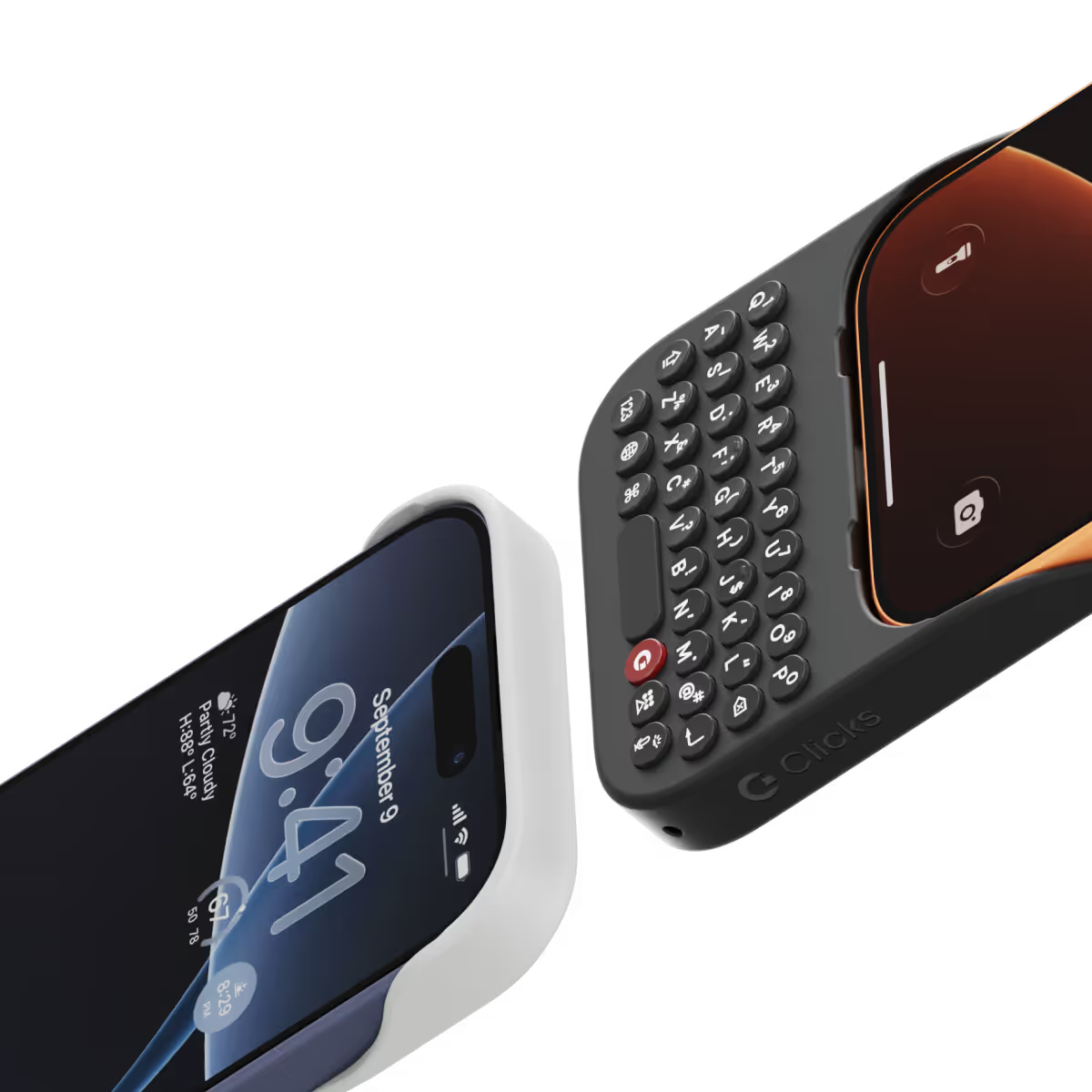
Adding and removing Clicks to your iPhone just got faster and easier.
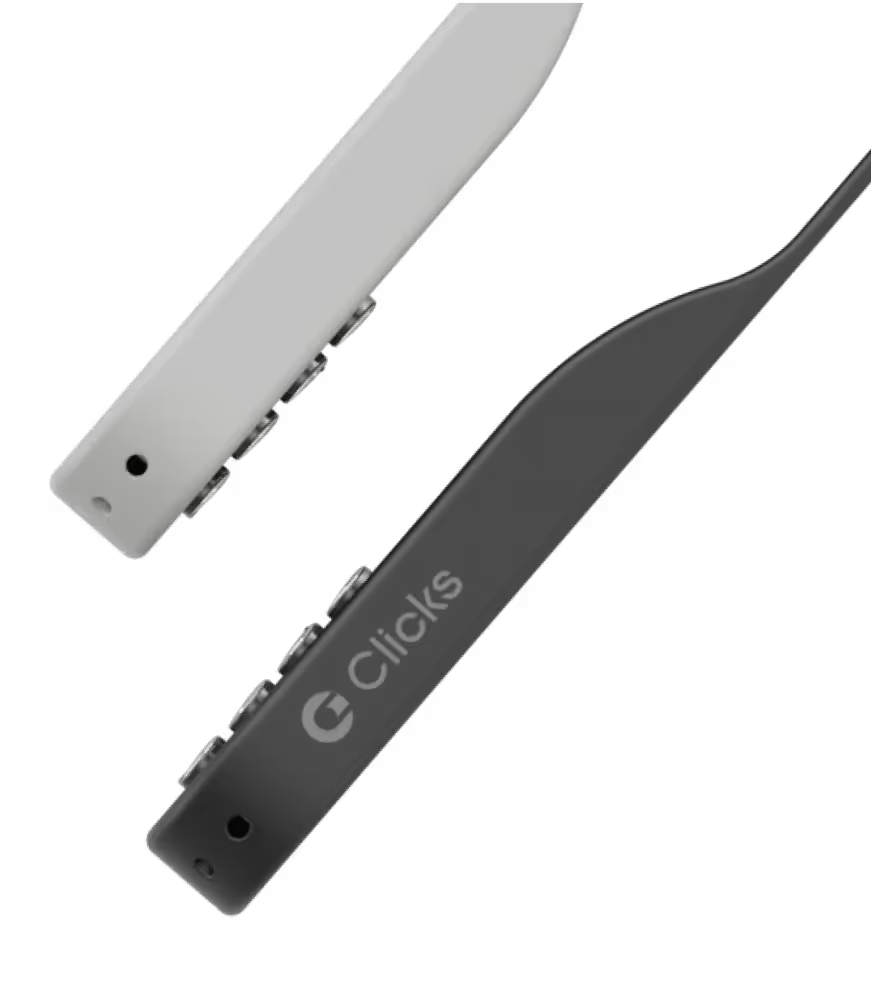
Lanyard-ready.
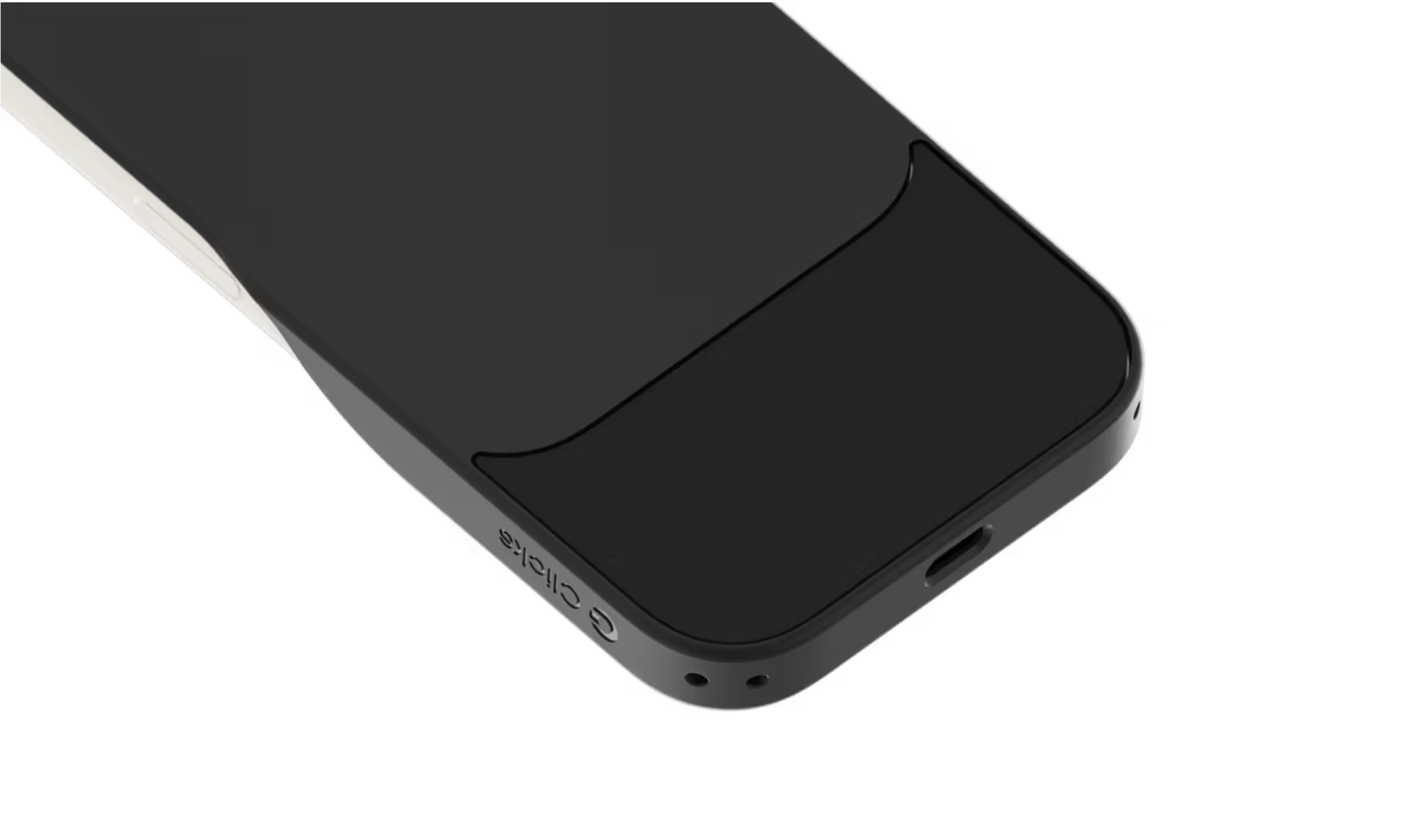
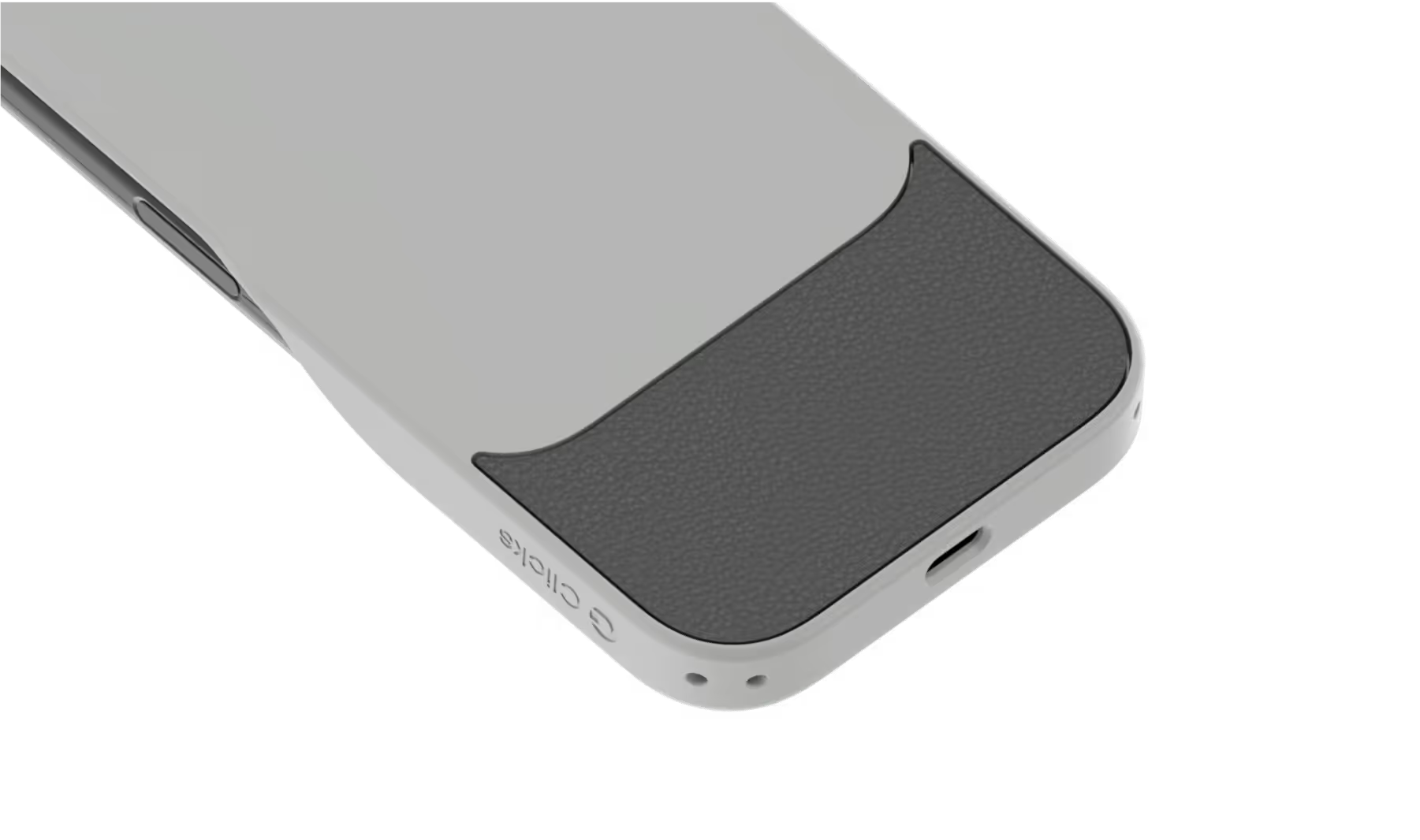
Dual lanyard attachment points make Clicks ready for a wrist strap or cross body.
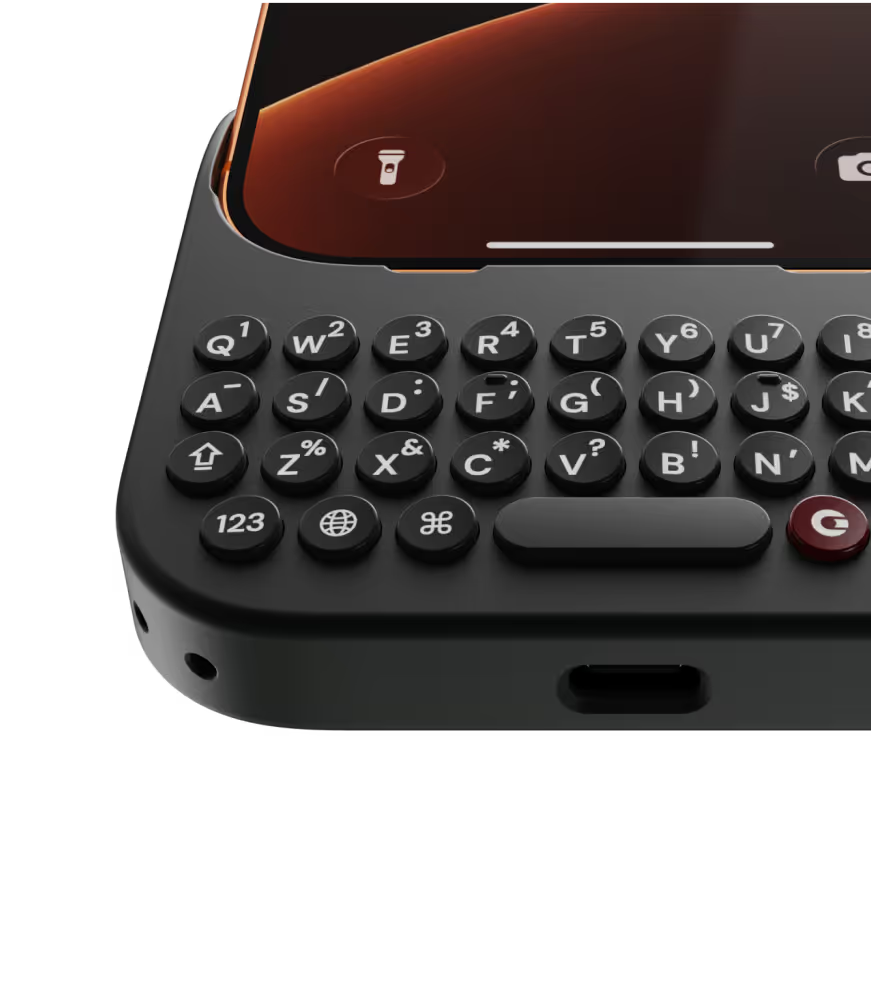
Premium typing
experience.
Type fast and accurately with ergonomic keys designed for comfort and confidence.
Patent-pending design

Take a closer look.

Why Clicks

More screen.
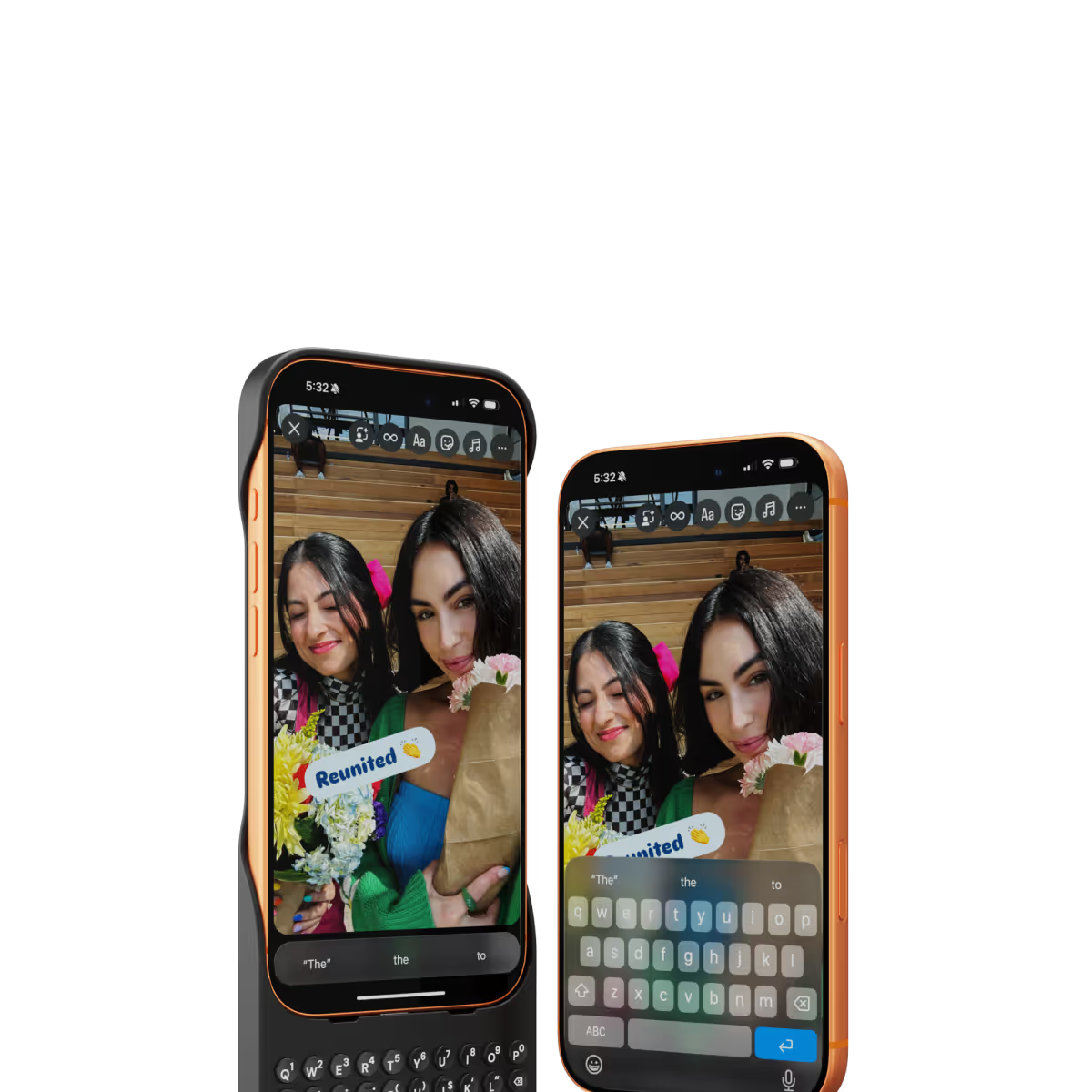
By moving the on-screen keyboard off your display you reclaim 50% more usable space.
MagSafe built-in.
Use wireless chargers, car mounts or magnetic accessories without removing your case.
Case meets keyboard.
Protect your phone from drops while powering up your productivity with the benefits of buttons.
Clicks app.
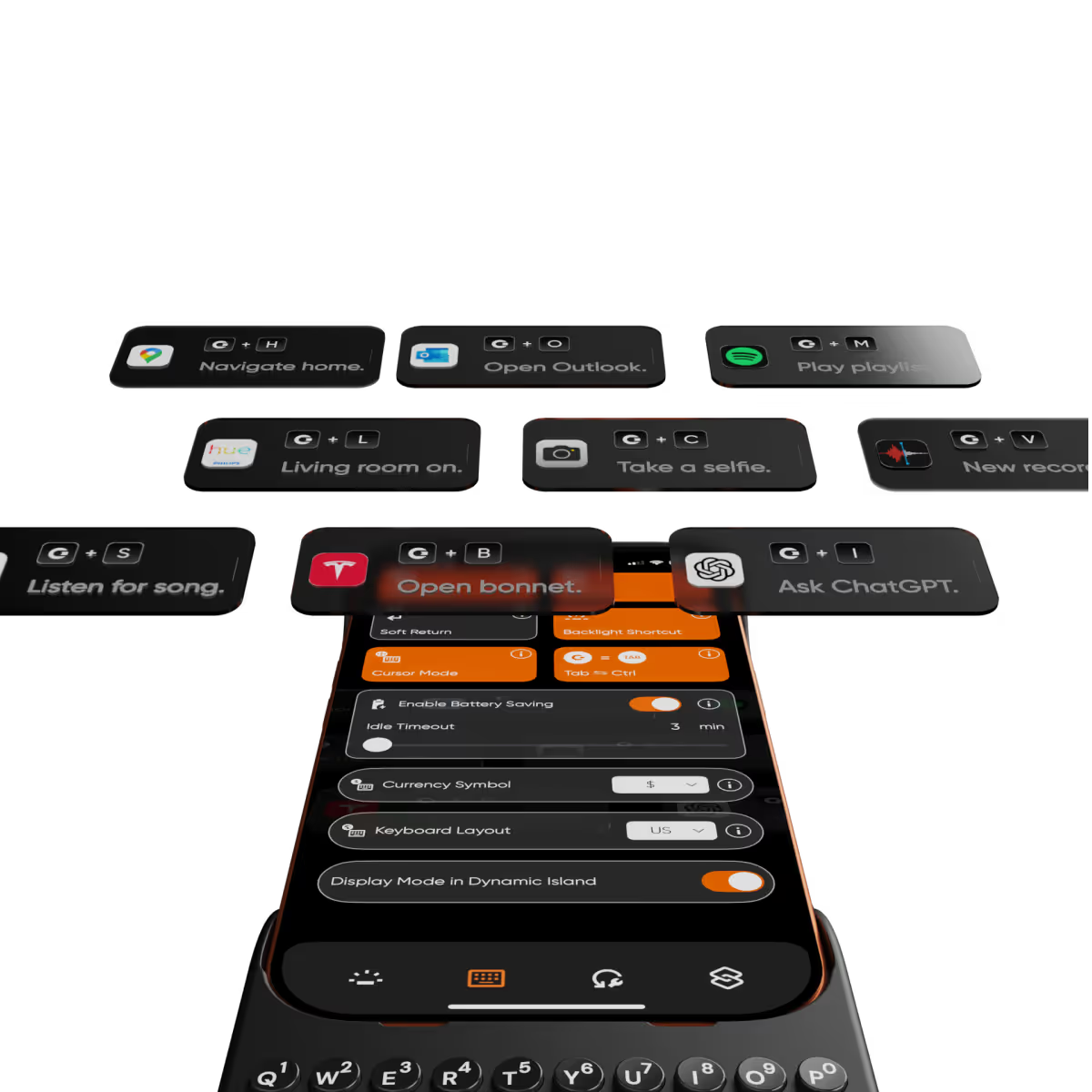
Customize typing preferences and install keyboard shortcuts to quickly launch apps.

Compare Clicks Keyboards

Thinner, lighter design
Snap-in design
Lanyard support
Premium Keyboard Experience
Backlit Keyboard
Clicks Mode
MagSafe Compatible
New Ergonomic Sculpted Keys
USB-C Data Mode
Models Supported
17 Pro Max
17 Pro
17
16 Pro Max
16 Pro
16 Plus
16
15 Pro Max
15 Pro
15 Plus
15
14 Pro Max
14 Pro
Connectivity
USB-C (Charging + Data)
USB-C (Charging)
Lightning (Charging + Data)
Colors

FAQs

Will Clicks be coming to iPhone Air?

As iPhone air is a brand new platform, we want to get it in our hands and test it before deciding whether it’s suited to Clicks. If you’re interested in Clicks for iPhone Air, please complete this survey to let us know. We’ll contact you as updates become available.

Does Clicks for iPhone 17 fit older iPhone models?

No, Clicks for the iPhone 17 series is not compatible with previous generation iPhones. Clicks for the iPhone 17 Pro and iPhone 17 are interchangeable, but Clicks for the iPhone 17 Pro Max will only fit that model.

Will Clicks for iPhone 17 features become available for other iPhone models?

The thinner, lighter enclosure, snap-in design and lanyard support will be exclusive to Clicks for iPhone 17 models.

What are the main differences between Clicks for iPhone 17 and past Clicks keyboard models?

Clicks for iPhone 17 introduces a new enclosure design that's 40% thinner and 11% lighter than Clicks for iPhone 16. The new contoured shape makes Clicks easy to hold and allows your iPhone’s natural colour to shine through while the new enclosure makes it easy to add and remove your iPhone. Plus, a dual attachment point lanyard system allows you to use Clicks with wrist loops and cross-body straps.

Can I update the model, colour or shipping address for my Clicks for 17 pre-order?

Yes, absolutely! Reach out to support@clicks.tech with your order number and required changes. A team member will help make the necessary updates.

Where can I buy Clicks for iPhone 17

Batch 1 orders will be exclusive to Clicks.tech in 2025. Clicks for iPhone 17 may come to other channels like Amazon and Best Buy in 2026.

What Clicks users are saying.

Based on 5,328 user reviews.
Ruby Li
Clicks Keyboard for iPhone 16

I’ve been following the Click project since the very beginning and was so excited for its launch — and I just have to say: it has completely lived up to my expectations. First of all, a huge thank you to the team behind Click for not only delivering a serious and well-thought-out product, but also for showing that the company itself is just as solid and professional. I initially purchased 5 Clicks and I absolutely love them. The concept is brilliant and honestly, it has made a huge difference in my workflow. The app is super intuitive, everything connects smoothly, and it’s just one of those tools you quickly wonder how you lived without. I’m already planning to get 4 or 5 more — that’s how useful they’ve been for me. Now, I also want to highlight the customer service, which was honestly one of the best experiences I’ve had. Two of my Clicks were unfortunately defective, and when I reached out, not only did they refund me without even asking for a return, but they also sent me a coupon as a kind gesture. That kind of support really shows that they care about their customers and stand behind their product. All in all, I’m so happy to have supported this project from the start. It’s rare to see a company deliver so well on both product and service. Highly recommend it to anyone — especially if you’re looking for ways to boost productivity in a simple, elegant way. Super impressed!

Visit source
Clive H.
Clicks for iPhone 15

Great product, but unfortunately the keys and balance doesn’t work well well for me. I would also like the keyboard to be heavier or weighted. It made the phone too long and floppy. My hands have some flexibility limitations, so the product just wasn’t right for me. A modified case with a battery bump, under the keyboard and extending towards the top of the phone, might help the phone’s holding balance with the additional benefit of an external battery pack. Just a thought for a future version.

Visit source
Jeremy L.
Clicks for iPhone 15

A great case of You want a physical keyboard! I Love the extra screen space! It would be nice to keep the Predictive Text bar and still have the passwords bar pop up like normal… Other than that, it’s such an amazing case!

Visit source
Claude-Jacques Vladimir Limontas
Clicks Keyboard for iPhone 16

I really love it

Visit source
Eric Flesche
Clicks Keyboard for iPhone 16

The keyboard is back! Now I can use my phone for business again.

Visit source
Teo T.
Clicks for iPhone 14 Pro

As a long-time fan of physical keyboards and a former BlackBerry user, I was thrilled to discover the Clicks keyboard for iPhone. This innovative accessory brings back the tactile typing experience many of us have been missing in the era of touchscreen smartphones. **Design and Compatibility** The Clicks keyboard seamlessly combines the best of both worlds – the versatility of an iPhone with the satisfying feel of a physical keyboard. It's designed to work harmoniously with the iPhone, creating a nostalgic yet modern device that caters to those who crave tactile feedback while typing. **Typing Experience** While my typing speed hasn't significantly increased, I've noticed a marked improvement in accuracy. The physical keys allow for more precise input, reducing the frustration of autocorrect mishaps common with on-screen keyboards. As with any new input method, there is a learning curve, but I've found my proficiency improving week by week. **Standout Features** The most impressive aspect of the Clicks keyboard is its shortcut functionality. The ability to open specific apps directly from the locked screen is a game-changer, especially for users with numerous applications. This feature significantly streamlines the user experience, saving time and reducing the frustration of searching for the right app. **Customization and Accessories** To enhance the Clicks keyboard experience, I've made a couple of modifications: 1. Added a low-cost MagSafe ring to the back for convenient charging. 2. Improvised a holding band to improve grip and typing comfort. These small additions have further improved the usability of the device, making it even more tailored to my needs. **Learning Curve** It's worth noting that adapting to the Clicks keyboard may take a few weeks for some users. However, the investment in time pays off as typing speed and accuracy continue to improve with regular use. **Conclusion** For iPhone users who miss the tactile feedback of physical keyboards, the Clicks keyboard is a dream come true. While it may not dramatically increase typing speed, it offers improved accuracy, fantastic shortcut capabilities, and a nostalgic typing experience. With a bit of patience during the adaptation period, this accessory can significantly enhance your iPhone usage, especially if you're a heavy typer or app user. Reference Photos https://i.ibb.co/fNqRR2v/IMG-0022.jpg https://i.ibb.co/8gGbGzv/IMG-0023.jpg

Visit source
Tom K.
Clicks for iPhone 15 Pro

I work on a Mac and use shortcuts extensively. I never expected to be able to use them on my iPhone. It's insane how many shortcuts are in iOS for the iPhone. Who knew?! Clicks basically turned my iPhone into a mobile computer that fits in my hand. Totally changed how I use my iPhone. I never owned a BlackBerry or used a button phone before so it took me a couple weeks to get up to speed on it but now it's weird if I try and go back to using my iPhone without Clicks. Total Clicks convert!

Visit source
Sean O’Hare
Clicks Keyboard for iPhone 16

Using the Clicks Keyboard on my iPhone 16 Pro Max has completely changed how I type on a smartphone. It brings back everything I loved about my old Blackberry — tactile keys, physical feedback, and precision — while still keeping all the modern perks of iOS. My typing speed has noticeably improved, and autocorrect mishaps (“auto-cowrecks”) are almost nonexistent now. The extra screen space is a real bonus too. With no on-screen keyboard taking up room, I sometimes wonder if I could actually downsize to a smaller phone in the future and still have a great experience. My only wish? A better IP water resistance rating. I often remove the keyboard when hiking or working in the bush just to be safe. Hopefully future versions will address this. That said, I’m extremely happy with this purchase and will absolutely be buying another for my next phone. A must-have for anyone who misses the days of keyboard phones but still wants the best of modern tech.

Visit source
Larry L.
Clicks for iPhone 16 Pro

I have been living with Parkinson’s disease for the past 12 years, while enjoying a long, mostly, successful career as a corporate immigration lawyer for the past 30. Parkinson’s disease is a chronic, progressive, incurable disease that manifests a whole range of symptoms. The most common is a constant, involuntary rhythmic tremor in one hand, at rest. I mourned the day when an iPhone was issued to me as a younger lawyer to replace the Blackberry. I could never master the flatscreen, glass keyboard. Every word had to be retyped. I think even autocorrect gave up on me. I thought I was destined to forever apologize for my typos. Then I heard about the Clicks keyboard and it was music to my ears. Or, more accurately, a blessing to my twitchy, right-hand fingers. I have smile on my face every time I see my fingers whizz across the keyboard with ease. I am learning how to rest the keyboard on my pinky fingers. The combined weight acts as an anchor to steady my tremor. I know that there are many more features that will make my experience even better. But for now, all I want to say is: THANK YOU, THANK YOU, THANK YOU. You have allowed to me to go back to the future.

Visit source
curtis olson
Clicks Keyboard for Razr (2024)

I watched a lot of reviews on the clicks keyboard so one day I decided to go ahead and buy one when I got it it felt different it was cool looking and put it on my phone and tried it out it worked had no issues with it it was definitely a little different and stylized and as in using it every time you use the key or keys it clicked each time you used it it felt like a keyboard should I enjoyed it I still have it and I still use it thank you clicks for coming up with a keyboard now that you can use on an Android as well as an iPhone I hope everybody out there has the same respect for the clicks keyboard

Visit source