


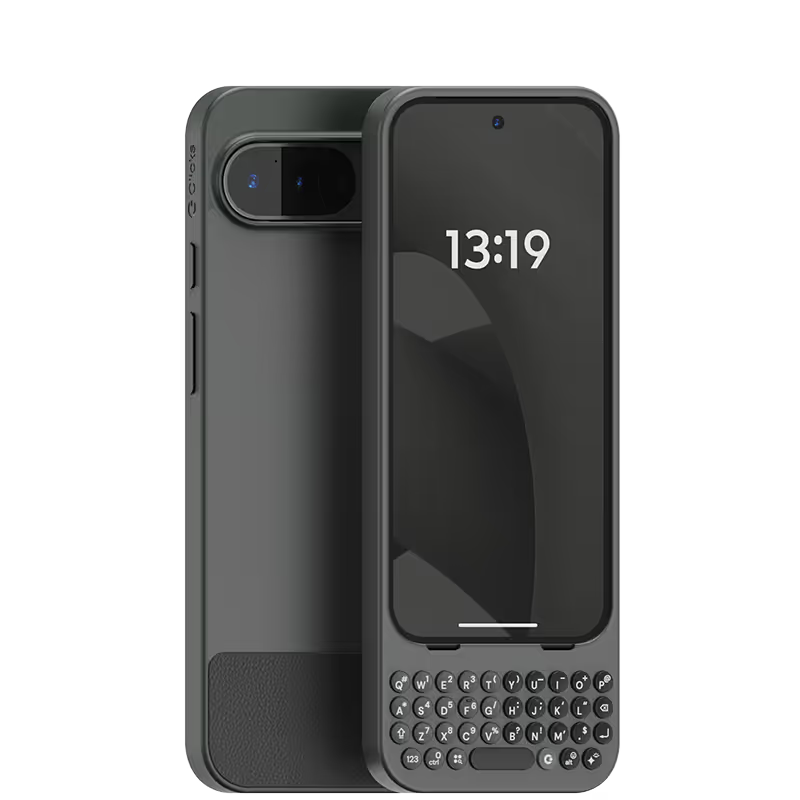
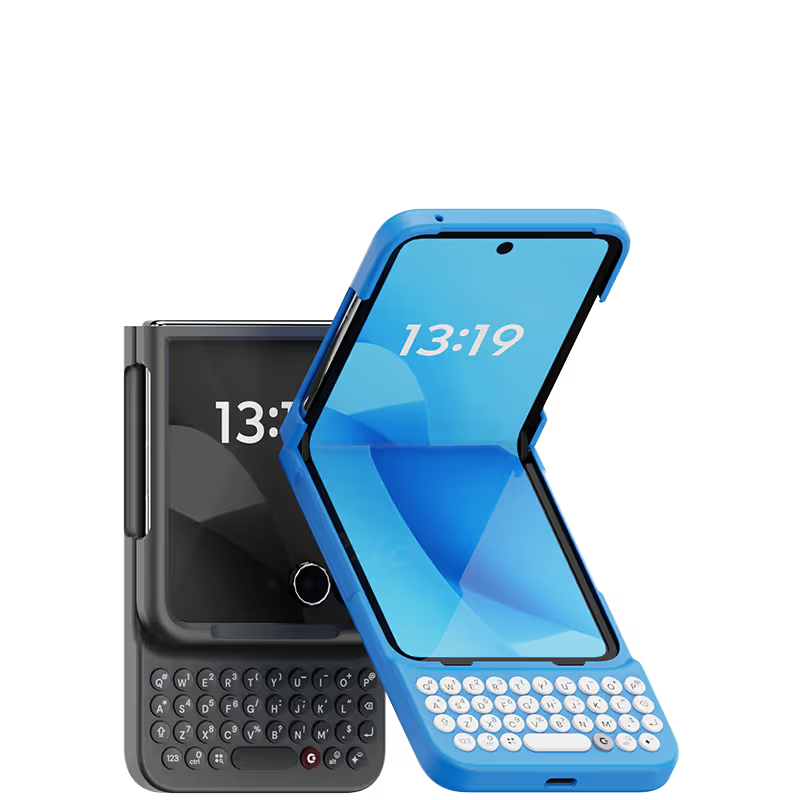
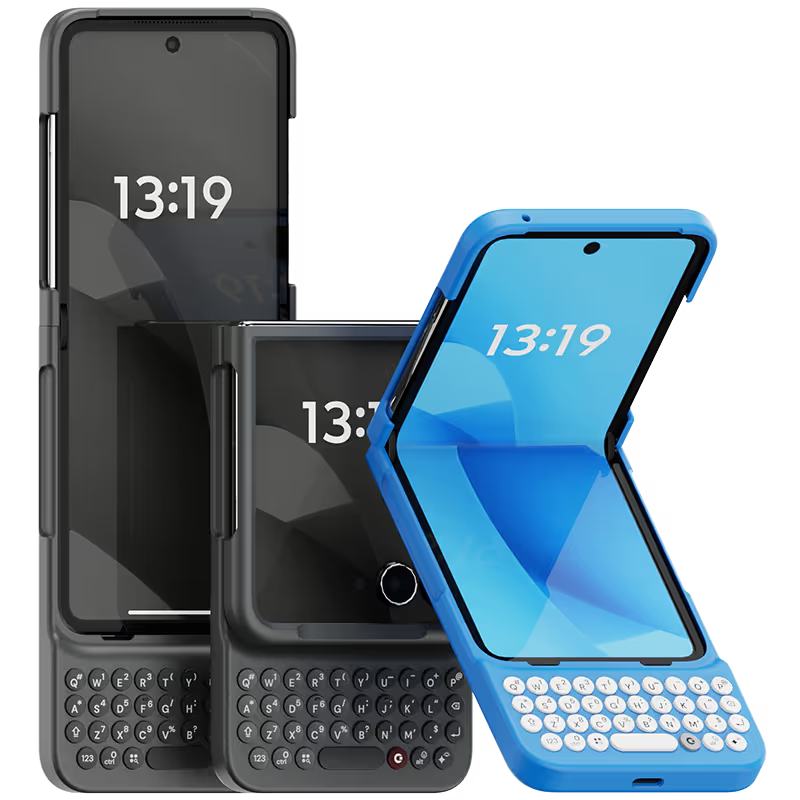


After having used multiple versions of Clicks for iPhone I was THRILLED when I saw the announcement that Android was joining the club! I am one of those who purchased a Razr just so I could use Clicks with it, and it hasn't disappointed. The shorter form factor with the screen closed makes it noticeably less top-heavy than the other pairings, and most functions can be done with the outer screen. I also like that the keyboard is a bit wider, and the key caps larger, than on other models as well. I have no hesitation recommending Clicks, this one or any others I have owned, to everyone looking for a more enjoyable typing experience on a smartphone!

I'm a student who relies heavily on my iPhone for note-taking and research. The Clicks Keyboard has been a revelation. Taking detailed notes in class is a breeze now, and researching complex topics feels so much more efficient. The ability to customize shortcuts for specific apps has been a huge time-saver. Highly recommend for anyone who wants to maximize their iPhone's potential.
Excellent design and a BlackBerry user from 2005 with my KEY2 being used till 2023. A Pixel 7 was next and I was due for an upgrade from a cracked and damaged screen in 2024. The Clicks launch was perfect timing for me. A no brainer to get the Clicks keyboard and to pair it with a 2024 razr+ as my next phone. Five stars to the Clicks Team!
I have enjoyed using the Clicks "Precision Typing Instrument" immensely - Typing and browsing with "Clicks" is so much more satisfying than typing on glass. It's also beautiful, well built and fits my Iphone 15 perfectly.
I started using the keyboard phone from Nokia to Blackberry to Samsung S8, and now with Clicks. I will continue to use Clicks for the upcoming iphone 16 if it is still available. And in iPhone 16, I can shift from Pro model to smaller screen model
This is an incredible piece of techno-art! Makes typing wonderfully tactile but also makes your phone a beautiful and unique talking piece!!! And ... it really maximizes screen size!
Been a physical keyboard user for more than 20 years. Clicks has nicely filled a gap in the physical keyboard domain while allowing user the freedom to choose between IPhone/Android. Can see alot of potential in Clicks and had already read many suggestions from other users which I am looking forward to see. Thanks Clicks.
I didn’t expect the keyboard to be so helpful. Can’t see doing without it now. Be sure to give time using it before you return.
Love this keyboard case. I was always a big fan of a physical keyboard and this is perfection. A big fan of the shortcuts as well. If you want the full phone experience this is the case for you.
I had to reach out to customer support a few times due to customs issues in my country, and they responded patiently every single time. The product itself is absolutely amazing! Every creator should have one—it’s not just a case, it’s a piece of inspiration you carry with you.


.webp)
.avif)

.webp)


